What the camera passes
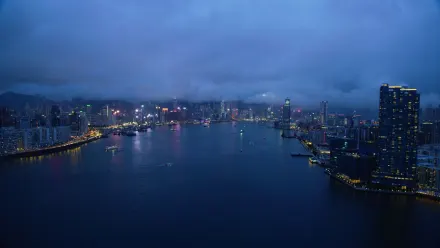
- Over Wan Chai approaching Central Hong Kong
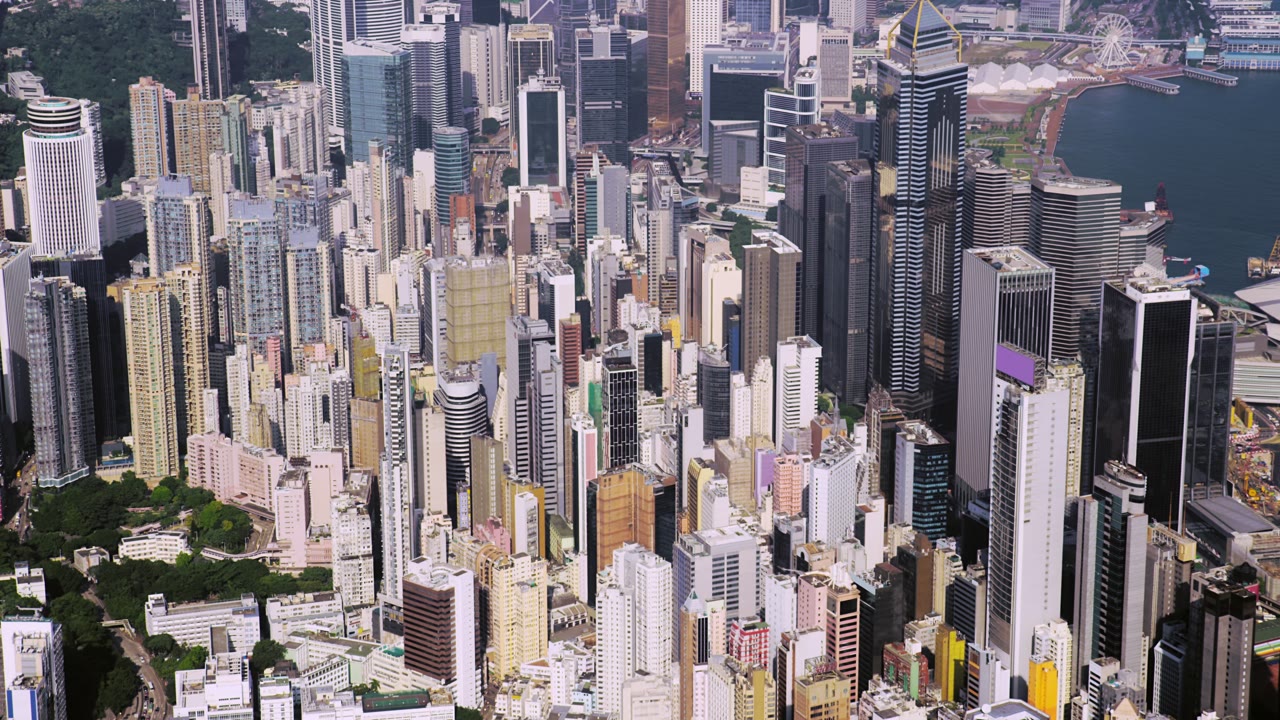
- Over Central Hong Kong
- Over Hong Kong Island
How to set Hong Kong Skyline as your wallpaper
- Install Skywall and open it from the menu bar.
- Find Hong Kong Skyline in Cityscapes — the app groups films exactly as macOS does.
- Click the card. Skywall fetches the film from the source macOS points at, into the folder it already uses.
- It becomes the wallpaper on every display, and the screen saver when the Mac goes idle.
Nothing is copied to our servers, and nothing is left behind if you remove the app — the film stays in the system’s own Aerials folder.
Hong Kong Skyline
Over Wan Chai approaching Central Hong Kong. A 4K Aerial film bundled with macOS — Skywall plays it as your wallpaper and your screen saver, on every display, without re-encoding a frame.
- Collection
- Cityscapes
- Location
- Hong Kong
- Source
- 4K SDR master, bundled with macOS
- Plays on
- Desktop and screen saver, every display