| Wallpaper Engine | Skywall | |
|---|---|---|
| Runs on macOS | No — Windows only | Yes, macOS 14 and later |
| How it draws | Its own window behind the desktop icons | A desktop-level layer per display, decoded by the system |
| What it plays | Scenes from the Steam Workshop | The Aerial films built into macOS |
| Resolution | Varies by scene | 4K SDR masters, never re-encoded |
| Idle behaviour | Configurable rules | Stops on lock, sleep, full screen and heat, by itself |
| Screen saver | Separate feature | Left to System Settings, where macOS keeps it |
There is no Mac build.
Wallpaper Engine is built around Steam and the Steam Workshop, and has never been ported. macOS, meanwhile, has carried its own 4K video since macOS 14 — the Aerial films you see in the screen saver — so on a Mac the footage is part of the system and there is nothing to convert or re-encode.
What that means in practice.
Skywall is a menu-bar app that plays the film you pick behind your windows on every display and leaves every system setting alone. There are no permissions to grant.
What you get instead.
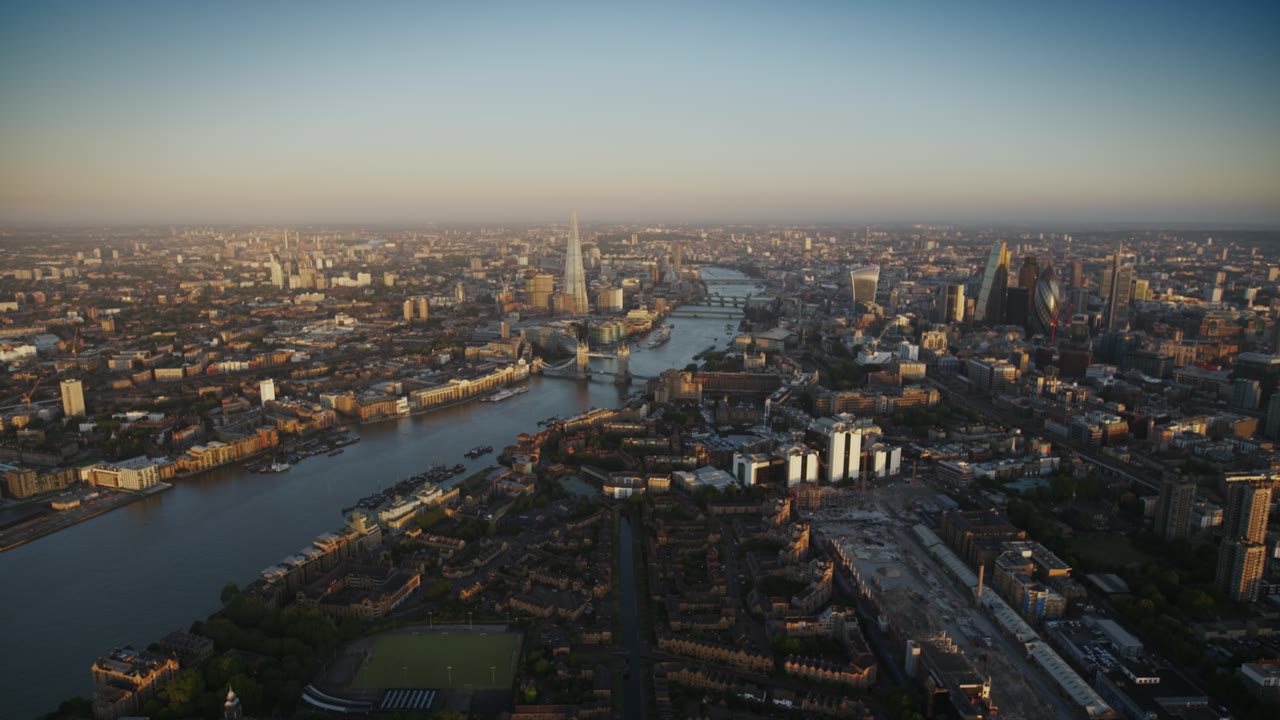
A library of films shot from the air, from orbit and under water, in 4K, drifting behind your work — and macOS already has them. Browse all of them. If you came here from the open-source Aerial screen saver, theAerial comparison covers it.
Questions.
Is Wallpaper Engine available on Mac?
No. Wallpaper Engine is a Windows application distributed through Steam and has never shipped a macOS build. The closest equivalent on a Mac is software that plays the Aerial films macOS already ships.
What is the Mac equivalent of Wallpaper Engine?
macOS 14 and later can set an Aerial film as the wallpaper, but it animates only around lock and unlock, and the picker hides some of the films. Skywall plays any of them on the desktop while you work.
Does a live wallpaper need extra permissions?
Not here. Skywall plays the films macOS already ships, in a layer behind your windows, and asks for no screen-recording or accessibility access.
Does a live wallpaper drain the battery?
It can, which is why Skywall pauses playback under Low Power Mode, or halves it if you prefer, and stops it entirely when the display sleeps, the Mac locks, a full-screen app covers the desktop, or the machine runs hot.