1
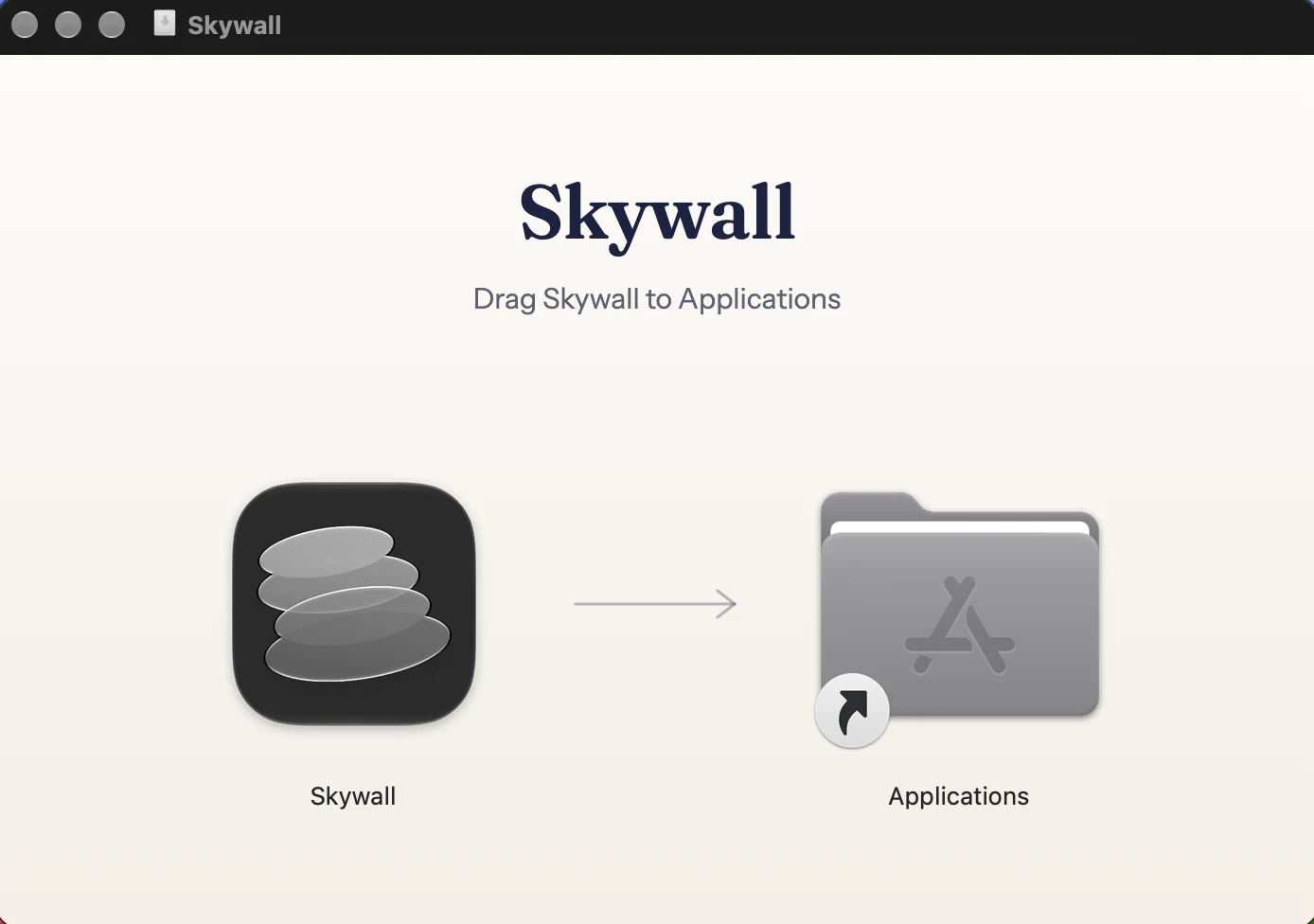
Open the disk image
Drag Skywall onto the Applications folder beside it. That is the whole install.
Open beta · 1.0.0-beta.9
Your Mac already holds the films. This is the app that lets them play, free while the beta lasts.
Download for macOS3.1 MB · signed and notarised · macOS 14 and later · Intel and current Macs
1
Drag Skywall onto the Applications folder beside it. That is the whole install.
2
Skywall lives in the menu bar. No icon in the Dock, nothing to configure.
3
It plays behind your windows on every display and keeps playing while you work.
They are not in the download. Pick one and it arrives from the system’s own content servers, into the folder macOS already keeps them in, so nothing is stored twice and nothing is re-encoded. Skywall has no servers of its own.
Added
The feedback form reaches the developer directly, and the issue tracker is the same thing in the open.