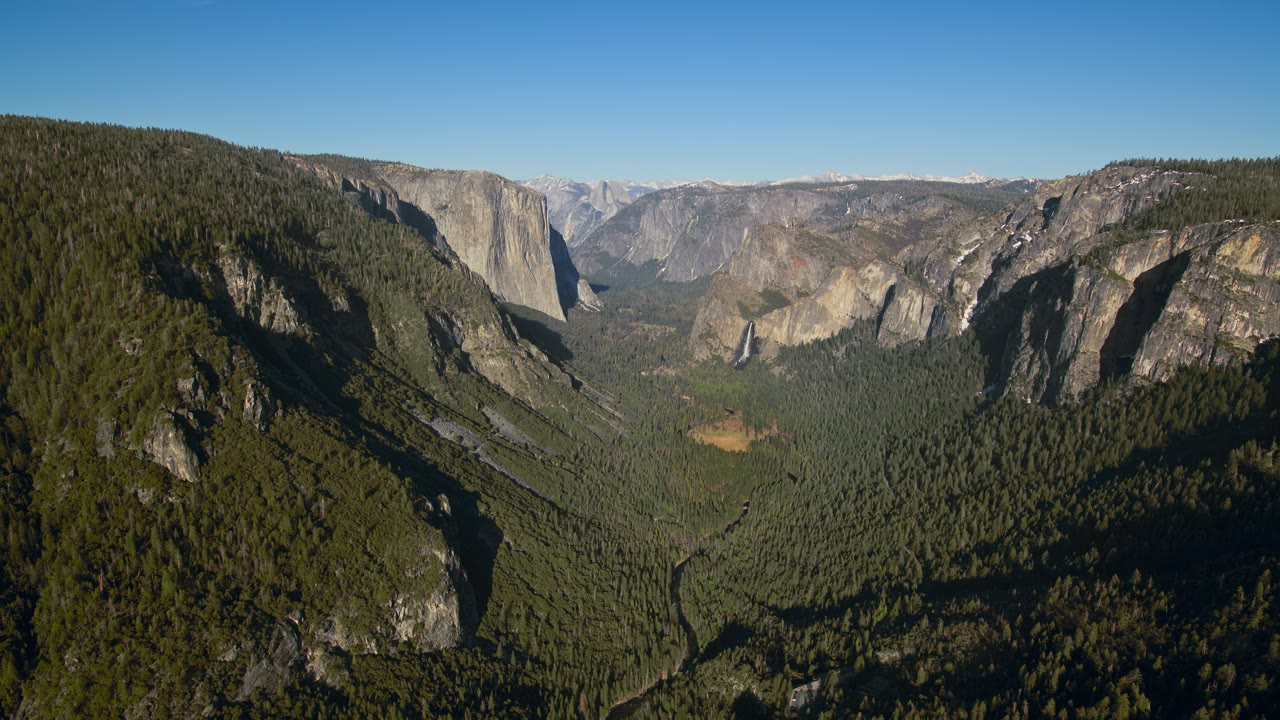
- 1
Open System Settings
Open the menu in the top-left corner of the screen and choose System Settings. On macOS Monterey and earlier it is called System Preferences.
- 2
Pick Wallpaper in the sidebar
Scroll the sidebar to Wallpaper. macOS 14 and later put Wallpaper and Screen Saver next to each other because they now share the same films.
- 3
Choose a picture, a colour or an Aerial
Dynamic Desktop shifts with the time of day, Aerials are the films, and Pictures are the stills. Click one and it applies at once; an Aerial plays around login and unlock, then holds a frame.
- 4
Add your own
Press Add Photo or Add Folder at the bottom of the picture list, or right-click any image in Finder and choose Set Desktop Picture.
- 5
Set each display separately
With a monitor plugged in, the Wallpaper pane shows one row per display. Pick a display first, then a wallpaper — macOS keeps them independent.
The films the pane leaves out
macOS ships a library of Aerial films; some never appear in System Settings, and the ones that do move only around login and unlock. Skywall lists all of them, keeps your choice moving on every display, and never re-encodes a frame.
Questions
How do I change the wallpaper on a Mac or MacBook?
Open the menu in the top-left corner → System Settings → Wallpaper, then click any image. To use your own picture, right-click the file in Finder and choose Set Desktop Picture.
Can a Mac have a dynamic wallpaper?
Yes. macOS 14 and later can put the Aerial films on the desktop, though the system plays one only around login and unlock. Some films never appear in System Settings; Skywall lists every one and keeps it moving.
Why does my Mac keep resetting the wallpaper?
Usually because the image lives somewhere macOS loses track of — an external drive, a Photos library, or a folder in Downloads that gets cleared. Move the file into Pictures and set it again.
Where does macOS store wallpapers?
The stock images sit in /System/Library/Desktop Pictures. Aerial films are downloaded on demand into the system’s own wallpaper folder under ~/Library/Application Support, which is exactly where Skywall puts them too.
Does a dynamic wallpaper drain a MacBook battery?
It costs something, which is why Skywall pauses the moment Low Power Mode is on, or halves the rate if you prefer, and stops playback outright when the display sleeps, the Mac locks, a full-screen app covers the desktop or the machine runs hot. Decoding runs on the same hardware block macOS uses for its own screen saver, not on the CPU.
How do I set a different wallpaper on each display?
Open the Wallpaper pane with both displays connected. It lists them separately — select a display, then pick its image.