Humpback Whale
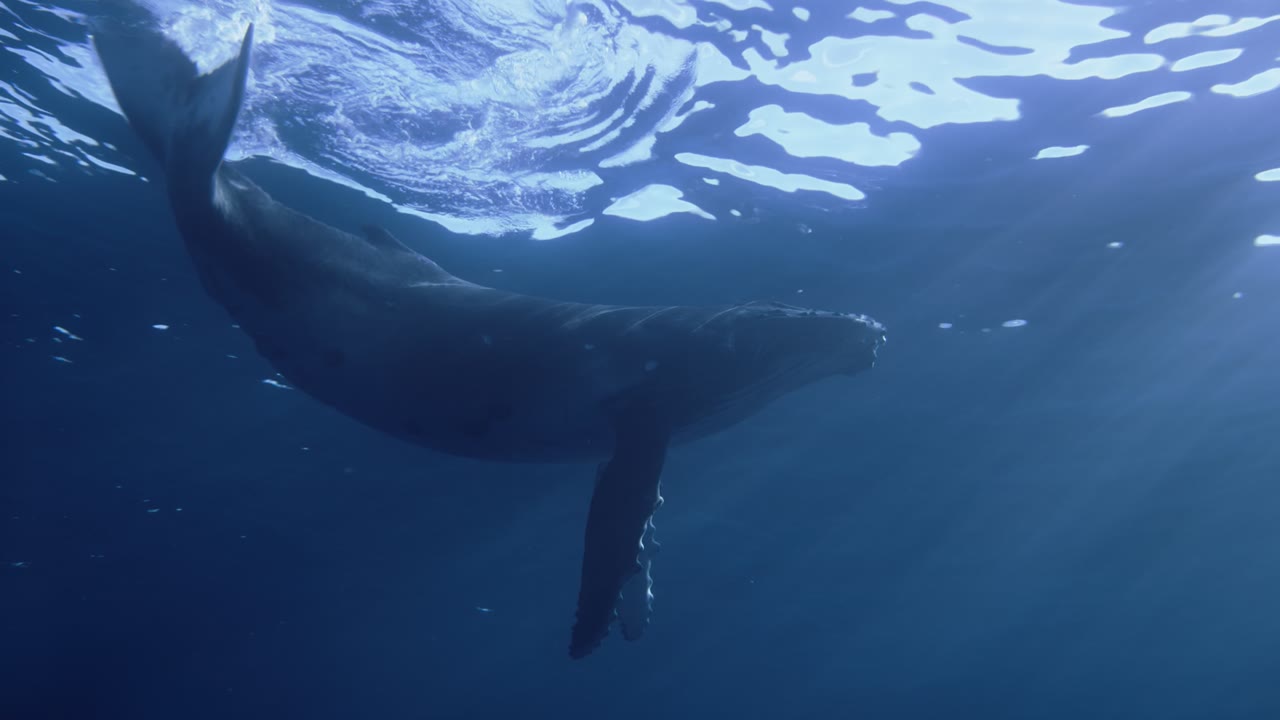
A Humpback Whale off of French Polynesia. A 4K Aerial film built into macOS — Skywall plays it as your wallpaper, on every display, without re-encoding a frame.
- Collection
- Underwater
- Source
- 4K SDR master, built into macOS
- File
- 329 MB
- Plays on
- The desktop, every display
What the camera passes.
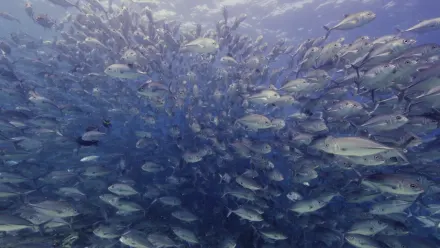
- A Humpback Whale off of French Polynesia
How to set Humpback Whale as your wallpaper.
- Install Skywall and open it from the menu bar.
- Find it under Underwater.
- Click the card. If the film is not on your disk yet, Skywall downloads it from the system’s own content servers into the folder macOS already uses.
- It plays on every display until you pick another one.
The film goes into the system’s own Aerials folder and stays there if you remove the app. Skywall has no servers of its own; nothing is uploaded anywhere.